Basic Rendering
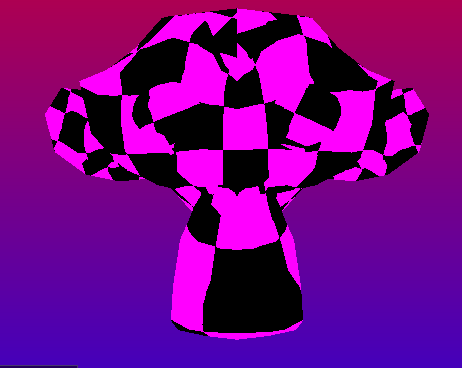
At’s it’s most basic, a render engine is something that can convert a repersentation of 3D space and convert it into something understandable by the Human eye. Therefore, it makes a ton of sense to start with getting some meshes into a scene. Ultimately, that is much easier said then done, Vulkan can be quite verbose and even implementing a basic render loop can take quite a bit of time. Thankfully there are tools like VK_Bootstrap that eliminate much of the code surrounding choosing devices and initializing Vulkan, so I will mostly be talking from a feature perspective rather than detailing what every single component does.
Constructing a Vulkan Instance
With the use of VK_Bootstrap, we mostly care about defining what features we want our renderer to have and defining a custom debug callback so we can implement pausebreaks whenever validation issues occur. We request version 1.3 from the builder and use SDL’s surface
    vkb::InstanceBuilder builder;

    //Make the vulkan instance with basic Debug.
    auto instanceConfig = builder.set_app_name("VulkanExperiment")
        .request_validation_layers(USE_VALIDATION)
        .set_debug_callback(Debug_CallBack)
        .require_api_version(1, 3, 0)
        .build();

    vkb::Instance vbInstance = instanceConfig.value();

    _instance = vbInstance.instance;
    _debugMessager = vbInstance.debug_messenger;
We can also request features by passing them during the physical device selection, most of these features are pretty basic for modern rendering.
//vulkan 1.3 features
VkPhysicalDeviceVulkan13Features features{ .sType = VK_STRUCTURE_TYPE_PHYSICAL_DEVICE_VULKAN_1_3_FEATURES };
features.dynamicRendering = true;
features.synchronization2 = true;

//vulkan 1.2 features
VkPhysicalDeviceVulkan12Features features12{ .sType = VK_STRUCTURE_TYPE_PHYSICAL_DEVICE_VULKAN_1_2_FEATURES };
features12.bufferDeviceAddress = true;
features12.descriptorIndexing = true;
We first take bufferDeviceAddress and descriptorIndexing so we can use normal buffers as our vertex buffer, this isn’t strictly needed for anything we are doing, but it should be overall faster to just bind all buffers and swap bewteen addresses rather than traditional vertex buffer binds.
At this point, we can easily select a device using PhysicalDeviceSelector and then build our devices using DeviceBuilder and store those handles for use later on in the program
//We want a gpu that can write to the SDL surface and supports vulkan 1.3
vkb::PhysicalDeviceSelector selector{ vbInstance };
vkb::PhysicalDevice physicalDevice = selector
    .set_minimum_version(1, 3)
    .set_required_features_13(features)
    .set_required_features_12(features12)
	.set_required_features(featuresBase)
    .set_surface(_surface)
    .select()
    .value();


//create the final vulkan device
vkb::DeviceBuilder deviceBuilder{ physicalDevice };

vkb::Device vkbDevice = deviceBuilder.build().value();

// Get the handles to these devices.
_device = vkbDevice.device;
_physicalGPU = physicalDevice.physical_device;
Swapchain
Now I am going to gloss over this a little bit, mostly because this isn’t paticularly different from how other APIs work and I would mostly just be showing what creating a texture looks like, which is unhelpful. The only real thing to note, is that the swapchain images must be created and destroyed whenever we change the size of our window.
Per frame resources & frames in flight
Whenever you develop any real-time renderer, you usually want double buffering to deal with tearing, but typically the GPU and CPU is only rendering one frame at any given time, usually in a pattern of.
CPU working -> GPU idles -> CPU completes it's work -> GPU works -> CPU idles -> GPU finishes -> CPU starts it's new frame -> etc
This results in idle time on both devices, on the CPU side, we really don’t care too much, this renderer is not pushing CPU limits at all, but on the GPU this could be quite a significant amount of performance to leave on the table. There in lies the point of Frames in flight, what if while frame is “in flight” to the GPU, we could start on another.
CPU working -> GPU idles -> CPU completes it's work -> GPU works -> CPU starts a new frame -> GPU finishes -> GPU can either immediately start again, or has to wait a reduced time.
Of course, in order to achieve this, we need multiple copies of CommandBuffers, images, fences and semaphores, but this small overhead in memory is entirely worth the performance benefits on the table from this approach. In fact, I decided to do some very unscientific testing, in an completely empty scene, implementing frames in flight can improve performance by nearly 12.5% or 17.5% in our default Sponza test scene. (Note: There is definitely run to run variance, but I didn’t account for this)
2 Frame in flight:

Frame Time: 0.6043962800422311 ms
FPS: 1654.543604950922
Draw time: 0.014196960132690147 ms
Update Time: 4.434000146342441e-05 ms
Triangles: 0
Drawcalls: 0

1 Frame in flight (Disabled):

Frame Time: 0.6794954500290752 ms
FPS: 1471.6802002974568
Draw time: 0.012183930056942627 ms
Update Time: 2.3010000751819463e-05 ms
Triangles: 0
Drawcalls: 0

Sponza
2 Frame in flight:

Frame Time: 2.3936188002467156 ms
FPS: 417.7774672796386
Draw time: 0.05643470011129975 ms
Update Time: 0.002838700078288093 ms
Triangles: 481055
Drawcalls: 185

1 Frame in flight (Disabled):

Frame Time: 2.816706399321556 ms
FPS: 355.0245777269737
Draw time: 0.052247000125795605 ms
Update Time: 0.00253600007686764 ms
Triangles: 481104
Drawcalls: 186
Finally rendering
I’m rather sorry for front-loading a ton of information without showing anything too interesting, unfortunately, when it comes to Vulkan, there’s a lot before you get to rendering any single triangle, more importantly, I don’t have too many screenshots of the earlier versions of this engine, the first screenshot is actually the first model I actually loaded into the engine.
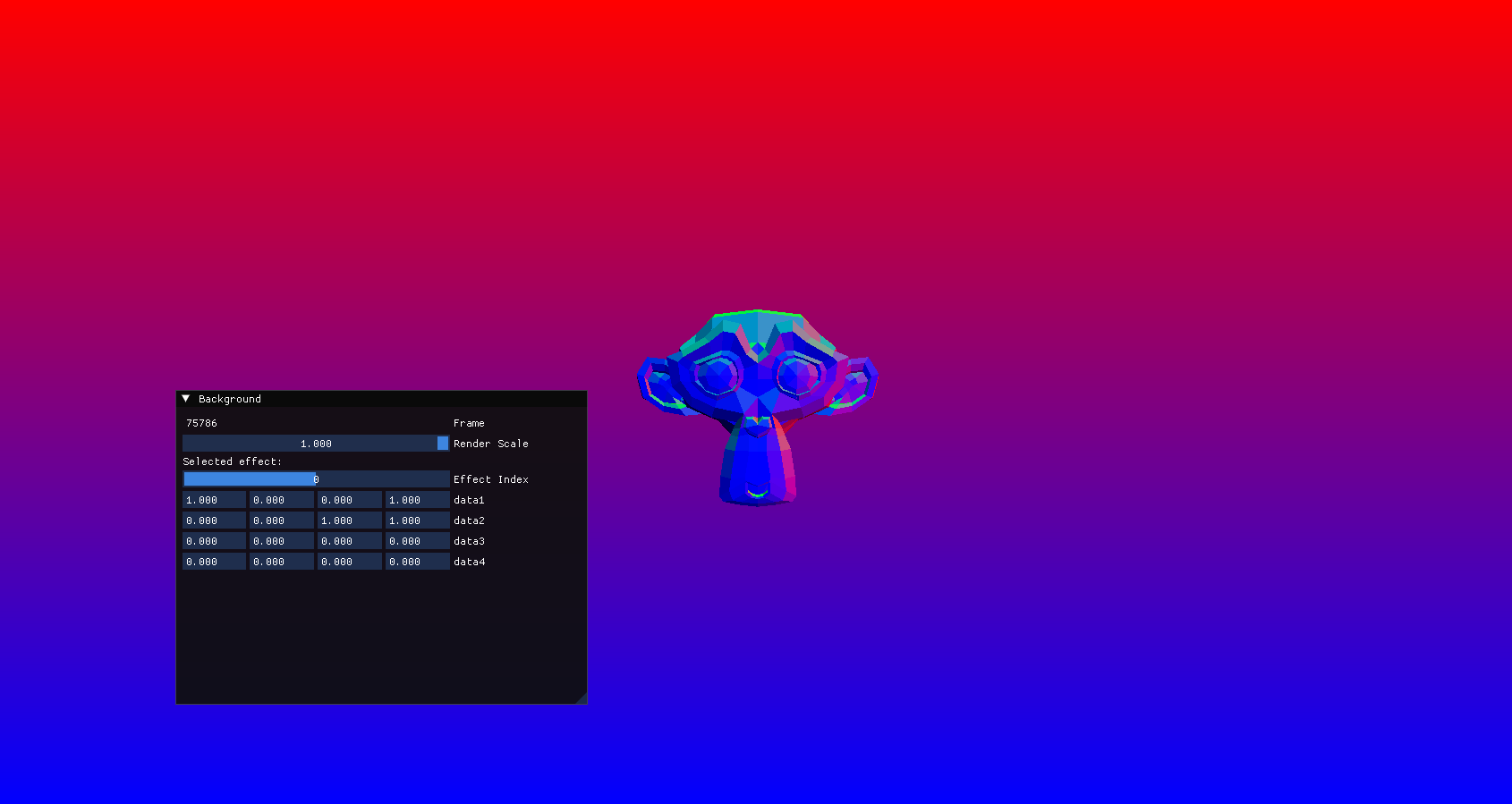
So, first of, this is the Suzanne model from blender.
As I was talking about earlier, we are using Storage Buffers with the BufferDeviceAddress extension, they are a lot more flexible and while I am using them for a rather basic purpose, we could actually push anything we want to the shader. Which is really useful for Vertex packing, and other techniques that can reduce GPU bandwidth.
Texture mapping
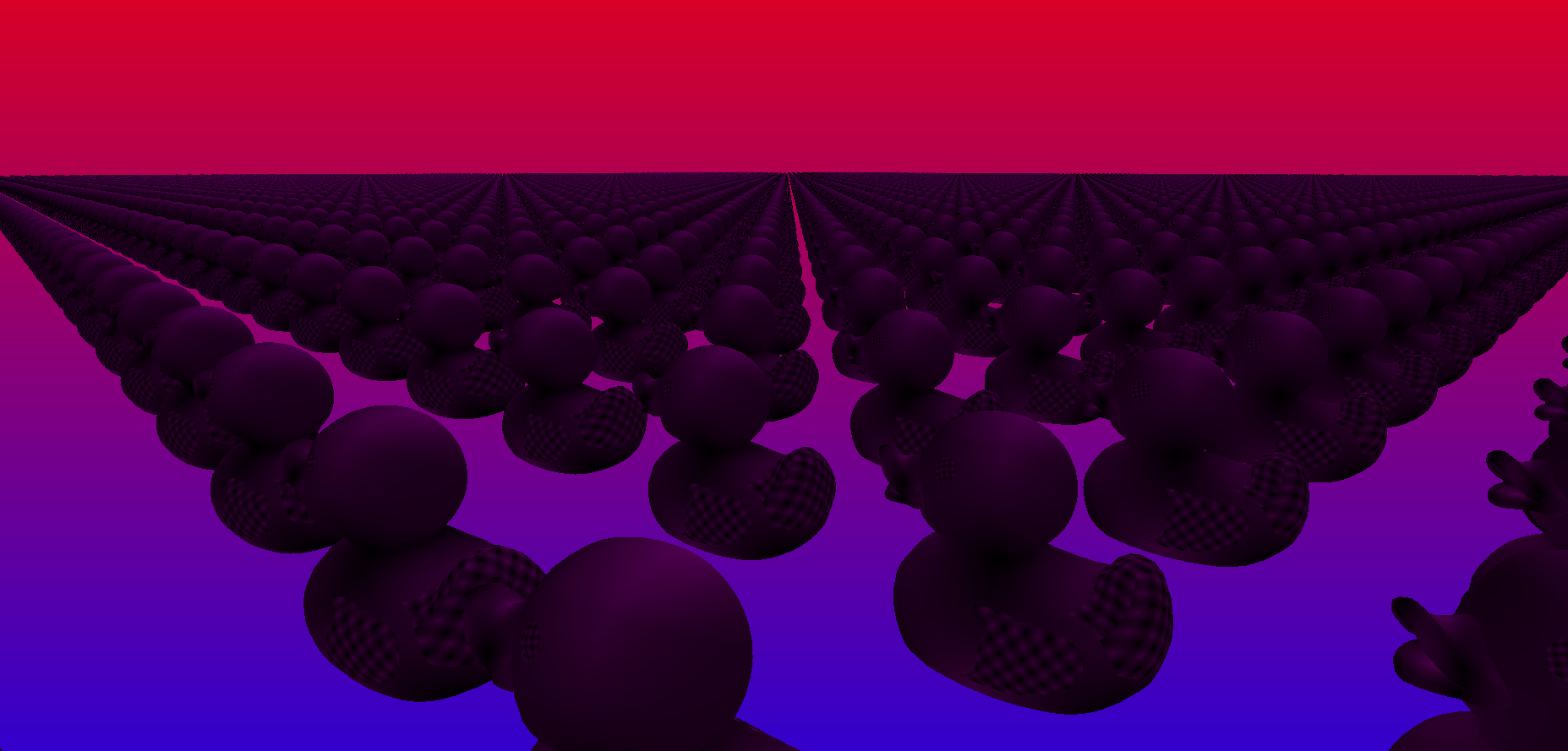
Texture mapping is pretty much the same as in DirectX, we just modify the underlying Vertex structure to pass some UV coordinates from our engine to our shader. Here’s a fun little screenshot of a couple Ducks rendering with error textures, as a bit of a fun fact, I believe these are from the PS3 technical showcase and were provided to Khronos by Sony.